What Is a Dopamine Menu? How to Build One to Replace Mindless Scrolling
When you're bored, tired or under-stimulated, your brain looks for the quickest source of reward — usually your phone. A dopamine menu is a simple, clever answer: a pre-written list of enjoyable activities, organised like a restaurant menu, so that when the craving for stimulation hits, you pick something from the menu instead of defaulting to the scroll.
The short answer
A dopamine menu is a personal list of activities that give you a boost, grouped into starters (quick 5-minute pick-me-ups), mains (longer, more satisfying activities), sides (things to add to boring tasks), and desserts (easy, low-effort treats to enjoy in moderation, like TV or social media). You write it in advance, keep it visible, and use it when you feel the urge for quick stimulation.
Where the idea comes from
The dopamine menu idea spread through ADHD communities online, where under-stimulation and difficulty starting tasks are common experiences. It's since been adopted by many people who want a healthier alternative to endless scrolling.
A quick note on the name: dopamine is a brain chemical involved in motivation and reward, but real brain chemistry is far more complex than "activities that give you dopamine". Think of the menu as a practical tool for choosing better rewards — not a neuroscience prescription. The same goes for the popular "dopamine detox" idea, which isn't quite what it sounds like.
The four sections
| Section | What it is | Examples |
|---|---|---|
| Starters | Quick 2–10 minute boosts | A song you love, a short walk, stretching, a cold drink, a quick tidy |
| Mains | Longer, deeply satisfying activities | Exercise, cooking, a hobby, a creative project, seeing friends |
| Sides | Add-ons that make dull tasks better | Music, a podcast, a nice drink, working in a new spot |
| Desserts | Easy, tempting, best in moderation | TV, social media, games, online shopping |
Some people add specials — things you do occasionally, like a concert, a day trip or a new class.
How to build your dopamine menu
1. Brainstorm what genuinely lifts you
Think of times you've felt energised, absorbed or satisfied. Write everything down — big and small.
2. Sort it into sections
Quick ones become starters. Absorbing ones become mains. Things that make boring tasks bearable become sides. Easy, passive pleasures become desserts.
3. Make it specific
"Exercise" is vague; "10-minute kettlebell routine in the living room" is a menu item you can actually order.
Replacify helps you swap a bad habit for a better one — with structured paths, an SOS button for cravings, a focus timer, and streaks that keep you going.


4. Keep it visible
Put it on the fridge, your desk, or your phone's lock screen. The menu only works if you can see it when the urge hits.
5. Order before you scroll
When you notice the pull toward your phone, glance at the menu and pick a starter. Often that's enough to break the loop.
6. Update it regularly
What works changes. Swap out items that have become boring and add new ones.
Example dopamine menu
Starters (5 minutes)
- Dance to one song.
- Step outside and look at the sky.
- Make a cup of tea in your favourite mug.
- Five minutes of guitar.
Mains (30+ minutes)
- A run or kettlebell workout.
- Cook a new recipe.
- Draw or paint.
- Call a friend and go for a walk.
Sides
- Upbeat playlist while cleaning.
- Podcast while commuting.
- Nice coffee while doing admin.
Desserts (in moderation)
- One episode of a show.
- 20 minutes of a game.
- Social media, with a timer.
Why it works
- It removes decision-making when you're tired and bored — the moment you're most likely to grab your phone.
- It makes healthier options easy to see and choose.
- It keeps desserts in their place without banning them.
It's essentially a ready-made list of replacement behaviors, and it pairs well with what to do instead of scrolling.
The bottom line
A dopamine menu is a simple, personal list of better rewards, organised so the right option is easy to choose in the moment. Build it in advance, keep it visible, start with a quick starter when you feel the pull to scroll, and let the mains become the hobbies that make your days better.
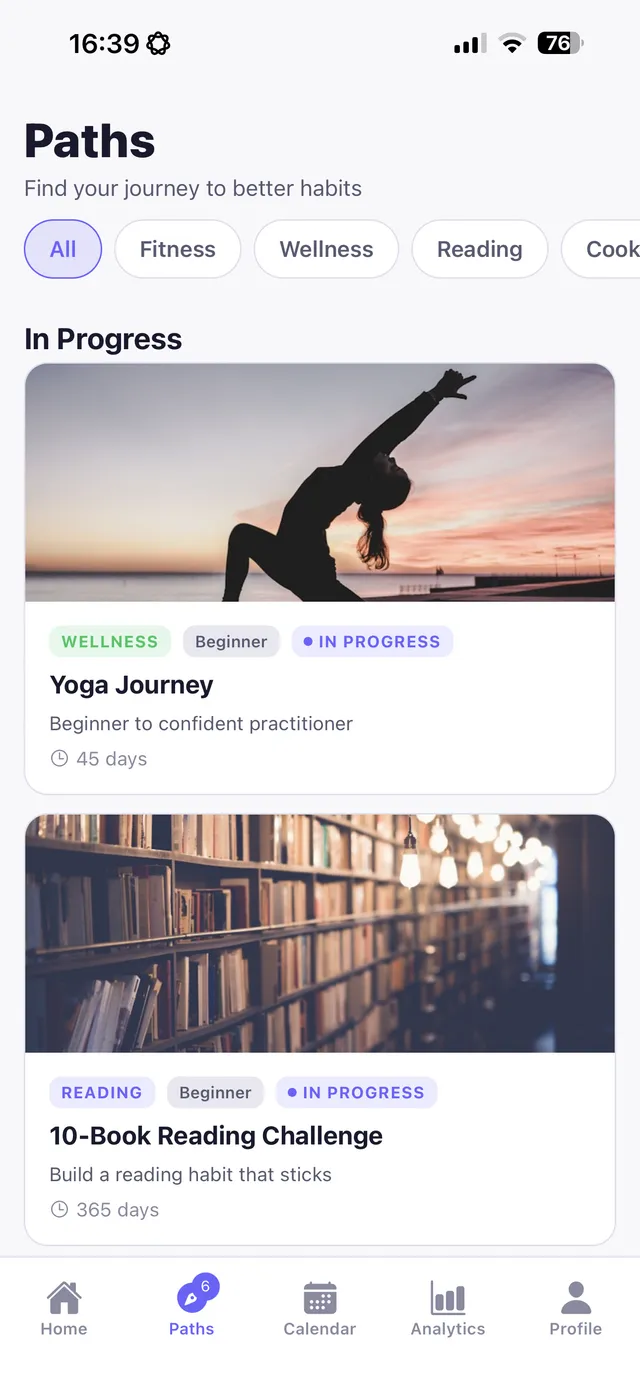
Replacify turns your menu's "mains" into real progress: choose a replacement path like running, kettlebell, cooking, drawing, guitar or photography walks, with phases, steps and checkpoint badges. And when a craving hits, the free SOS button serves up a matched "starter" activity with a timer.
Frequently asked questions
What is a dopamine menu?
A dopamine menu is a personal list of enjoyable activities organised like a restaurant menu — starters, mains, sides and desserts — so you have better options ready when you crave quick stimulation.
Is a dopamine menu only for ADHD?
No. It became popular in ADHD communities, but anyone who wants alternatives to mindless scrolling or procrastination can use one.
What goes in the dessert section of a dopamine menu?
Easy, tempting activities best enjoyed in moderation, such as TV, social media, games or online shopping.
How do I use a dopamine menu?
Keep it visible, and when you feel the urge for quick stimulation, pick an item — often a quick starter — before reaching for your phone.
Replace the habit. Not yourself.
Replacify helps you swap a bad habit for a better one — with structured paths, an SOS button for cravings, a focus timer, and streaks that keep you going.