Free Habit Tracker Template: Printable and Digital Options

Before habit tracker apps existed, people tracked habits with a grid and a pen, and that method still works. If you want to try tracking without committing to an app, or you just prefer paper, a simple DIY template covers most of what matters. The trick is knowing what makes a template actually useful versus decorative.
The short answer
A habit tracker template is just a grid: habits down the rows, days across the columns, with a box you mark for each day you complete the habit. You can build this as a printable page, a spreadsheet, a notes-app checklist, or a bullet journal spread — the format matters less than tracking a small number of specific habits consistently. Apps add reminders and streak recovery that paper can't; paper adds a tactile, distraction-free habit that a phone can't.
The basic template layout
The simplest effective habit tracker looks like this:
| Habit | Mon | Tue | Wed | Thu | Fri | Sat | Sun |
|---|---|---|---|---|---|---|---|
| Read 10 pages | ☐ | ☐ | ☐ | ☐ | ☐ | ☐ | ☐ |
| No scrolling after 10pm | ☐ | ☐ | ☐ | ☐ | ☐ | ☐ | ☐ |
| 20-min walk | ☐ | ☐ | ☐ | ☐ | ☐ | ☐ | ☐ |
Keep it to 1–3 habits, not ten. A page full of rows looks thorough but tends to get abandoned fast — see habit tracking mistakes for why overloading a tracker is one of the most common ways people quit tracking altogether. Add a month or week label at the top, and leave a small note column if you want to jot down what got in the way on a missed day — that note is often more useful later than the checkmark itself.
Four ways to build one
Printable page. Draw or print a grid like the one above, pin it somewhere visible — fridge, desk, bathroom mirror. The visibility itself is part of the mechanism: you see it every day whether or not you meant to check in.
Spreadsheet. A simple Google Sheet or Excel file with the same rows-and-columns layout, but with the bonus of being able to color a cell when you complete a habit, sum up a monthly total automatically, or chart a streak over time.
Notes app. If you don't want a dedicated app, a running checklist in your phone's default notes app works surprisingly well — no download, no new account, and it's always in your pocket already.
Bullet journal spread. If you already keep a bullet journal, a habit tracker page fits naturally alongside your other spreads, usually as a monthly grid with a symbol system (dot, dash, X) for each habit.
Replacify helps you swap a bad habit for a better one — with structured paths, an SOS button for cravings, a focus timer, and streaks that keep you going.


Paper vs. app template: the real tradeoffs
A printable or spreadsheet template has real advantages: no notifications, no app to open (which means no temptation to also check three other apps while you're there), and a physical or highly customizable format you fully control. The tradeoffs are that it's easy to forget to fill in, easy to lose or leave at home, and it can't remind you, recover a broken streak automatically, or sync between your phone and laptop. We cover this comparison in more depth in paper vs. app: which habit tracking method actually sticks.
A template also has a structural limit worth naming honestly: it's very good at recording what happened, and it has nothing to offer in the moment you're tempted to skip. If the habit you're tracking is one you're trying to build, that's rarely a problem — a checkmark and a bit of visible progress is often enough motivation on its own, especially combined with habit stacking to anchor the new habit to something you already do. If you're trying to break a habit, a blank grid can't help you in the actual moment of craving the way a tool built for that can.
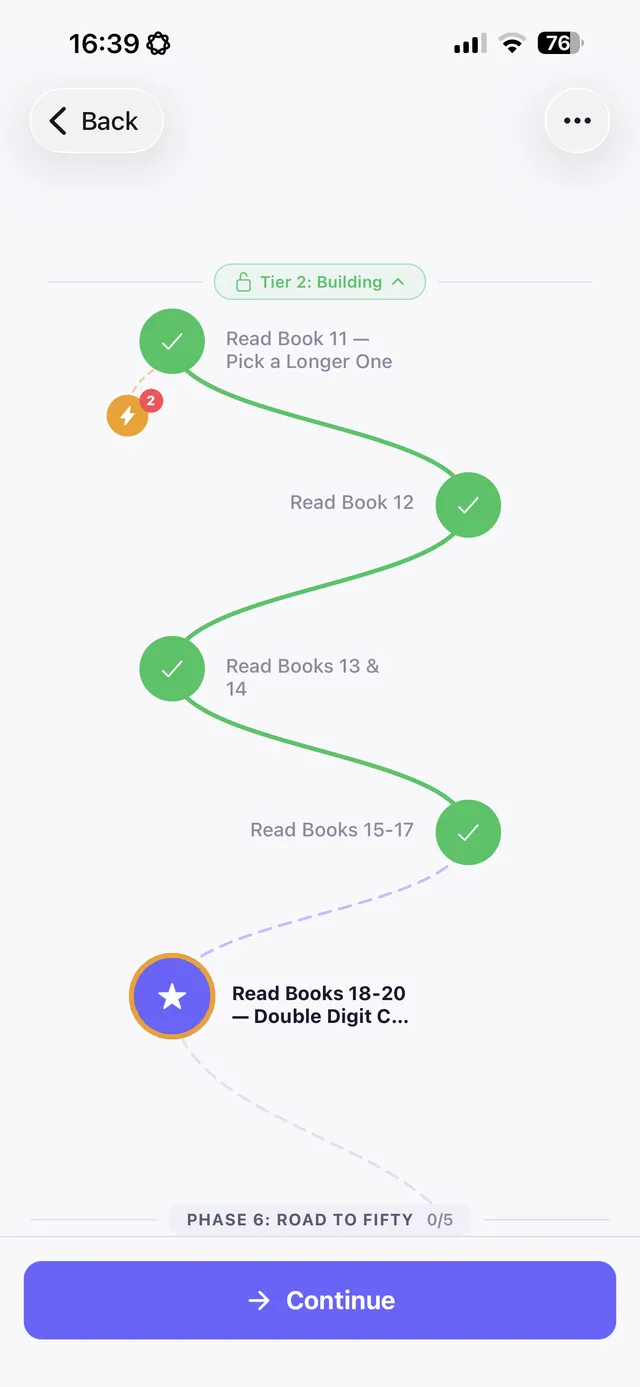
When to use a template vs. an app
Use a printable or spreadsheet template if you want something simple, free, and fully in your control, especially for building a habit rather than breaking one. Switch to an app once you want reminders that actually fire, streak recovery that doesn't rely on your own memory, sync across devices, or — if you're trying to stop something — a tool to lean on in the moment an urge hits.
The bottom line
A habit tracker template doesn't need to be complicated: habits down the side, days across the top, a box for each day, and no more than a few habits at a time. Printable, spreadsheet, notes app, or bullet journal all work — pick whichever one you'll actually open every day.
If you eventually want the parts a paper grid can't offer — reminders, automatic streak recovery, sync, and specifically an SOS tool for the moment an urge hits — Replacify picks up from there. Choose your struggle, get a replacement path, and let the app carry the parts a template can't.
Frequently asked questions
What's the simplest habit tracker template?
A grid with habits listed down the rows and days of the week across the columns, with a checkbox you mark each day you complete the habit. Keeping it to one to three habits works better than a long list.
Can I make a habit tracker without an app?
Yes — a printable grid, a spreadsheet, a running checklist in your phone's notes app, or a bullet journal spread all work as habit tracker templates, with no download required.
Is a paper habit tracker better than an app?
Neither is universally better. Paper is tactile and distraction-free but easy to forget or lose. Apps offer reminders, automatic streak recovery, and sync across devices, but the phone itself can be a source of distraction.
Does a habit tracker template work for breaking bad habits?
It can help with recording progress, but a blank grid has nothing to offer in the actual moment of craving. For breaking a habit specifically, a tool with urge support alongside tracking tends to work better than a template alone.
Replace the habit. Not yourself.
Replacify helps you swap a bad habit for a better one — with structured paths, an SOS button for cravings, a focus timer, and streaks that keep you going.